
.svg)
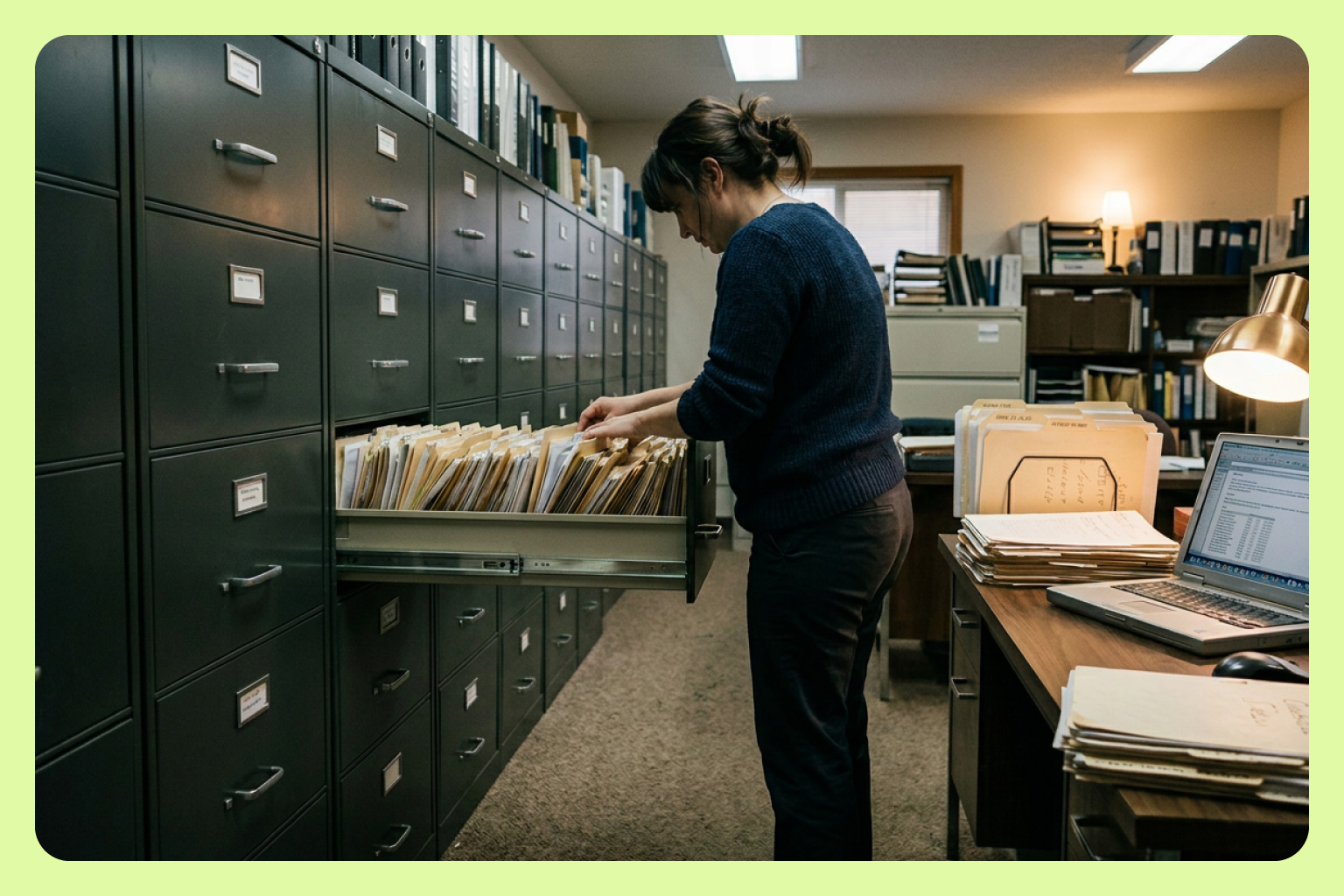
Bookkeeping for a trades business looks simple from the outside: the client might run an electrical company, a plumbing operation, or a landscaping crew. They have vendors, bills, a QuickBooks file. You manage the payables, keep the books clean, and make sure everything reconciles. Seems simple.
In reality, a normal Tuesday morning is a queue of bills from a dozen different vendors, some handwritten, some of multi-page PDFs, but all needing line-item details to be extracted, coded to the right job and customer, and synced to QuickBooks before the client needs their numbers. And if the previous tool was BILL, it meant entering that data twice.
For bookkeeping firms managing trade clients, the problem is data at the line-item level.
Why AP gets hard when your clients are in the trades
Trades clients have one vendor, but multiple jobs
A plumbing company doesn’t have one set of bills per vendor per month. It might have bills from one supplier split across four active jobs, each of which needs a different customer code in QuickBooks. The line item that matters most isn’t the total itself, but which part of the total belongs to which job. When that split happens in the AP tool, the books are clean. But when it happens manually in QuickBooks after the fact, it happens under time pressure, and often incorrectly. For a bookkeeper managing multiple clients like this, the error can compound across every client with the same structure.
Why mainstream AP tools fall short for trades clients
Mainstream AP tools were designed around a simpler bill structure: vendor, total, due date. For many businesses that is sufficient. For trades clients with job costing requirements, active QuickBooks classes, and customer-specific coding, it is not. The tool captures the bill, but the bookkeeper still has to extract the line-item data manually and re-enter it into QuickBooks.
Patrice Diana, a QuickBooks ProAdvisor with over 20 years of experience managing AP for electricians, plumbers, construction companies, and landscaping businesses, hit this ceiling with BILL. Processing weekly payables took 3-4 hours every Tuesday. The data entry stood between her and her actual work.
Double entry scales the error surface
When a bill is processed in an AP tool and then re-entered in QuickBooks, every piece of data crosses two systems by hand, including payment status, line-item coding, job assignment, and each one is an opportunity for discrepancies. In a single-client business, that’s manageable. In a bookkeeping practice managing ten or fifteen trade clients, the error surface scales with the client count.
The two-way sync question is where most mainstream tools fall short: whether changes made in QuickBooks reflect in the AP tool and vice versa. Without it, the bookkeeper is the integration layer, manually reconciling two systems that should be talking to each other.
What changes when the AP tool is built for this workload
Line-item extraction that reaches QuickBooks
MakersHub captures line-item details from every bill, including multi-page PDFs, and maps each line to the correct job, customer, and account in QuickBooks automatically. The data that reaches QuickBooks is the data that was on the bill, captured accurately at the point of entry. For bookkeepers managing trades clients with active job costing, the difference is felt in every reconciliation.
Two-way QuickBooks sync
When a bill is paid in QuickBooks, MakersHub updates automatically. When a bill is processed in MakersHub, it posts to QuickBooks at the line-item level without a second manual entry. Patrice described the practical effect in this way: "I think the 2-way sync is a huge benefit of MakersHub. I don't have to worry about double updating. If a bill is paid in QuickBooks, MakersHub updates automatically."
91 bills in 30 minutes
Volume throughput matters for bookkeeping firms in a way it doesn't for single-business operators. A sole bookkeeper managing multiple trade clients needs AP processing to scale with client count, not headcount. Patrice processed 91 bills in a single 30-minute session after moving to MakersHub. Weekly AP that previously consumed 3-4 hours dropped to just 30 minutes.
Approval flows that clients actually use
An approval flow that shows only a total and a vendor name gives the client nothing to verify. MakersHub routes approvals with the line-item context attached and supports notes and attachments, so the client sees what they're approving and can ask questions in the same thread.
Before and after: AP processing for a bookkeeping practice
Problem to solution: where AP breaks for bookkeeping firms and how MakersHub solves it
Problem: Line-item data has to be re-entered into QuickBooks manually
How MakersHub solves it: WiseVision extracts line-item details from every bill and maps each one to the correct job, customer, and account. The data reaches QuickBooks without a second manual entry step.
Problem: AP tools and QuickBooks get out of sync
How MakersHub solves it: Two-way sync means changes in either system update the other automatically. Payment status, coding, and bill data stay consistent without the bookkeeper reconciling them manually.
Problem: High bill volume across multiple clients makes Tuesday mornings unmanageable
How MakersHub solves it: A centralized inbox, automatic capture, and batch processing mean bill volume scales without proportional time cost.
Problem: Clients struggle to approve bills they can't interpret
How MakersHub solves it: Approval flows route with full line-item context, notes, and attachments. Clients approve from any device with enough information to make the decision.
Problem: Mainstream AP tools weren't built for job-coded trade businesses
How MakersHub solves it: MakersHub maps to the client's existing QuickBooks structure (jobs, customers, classes, sub-accounts) rather than requiring the bookkeeper to translate between two different coding systems.
For bookkeeping firms, every hour spent on manual data entry is an hour not spent on client advisory work, new client onboarding, or the kind of analysis that justifies a higher billing rate. Recapturing that time comes from removing the steps that should not exist.
Frequently asked questions
How does AP automation work for bookkeeping firms managing multiple clients?
A bookkeeping firm managing multiple trade clients processes bills across different QuickBooks files, each with its own job structure, vendor list, and approval chain. MakersHub handles each client as a separate workspace, capturing bills, mapping line items to the client's QuickBooks coding, routing approvals, and syncing back, without the bookkeeper re-entering data between systems. Volume scales without proportional time cost.
What is the difference between MakersHub and BILL for bookkeepers?
BILL captures bills and handles payment. It does not extract line-item data at the level trades businesses require for job costing, and its QuickBooks sync does not write line-item details back to the accounting file. MakersHub captures every line item, maps each to the correct job and customer code, and syncs two ways with QuickBooks.
Why do trades businesses need job-level AP coding?
Trades businesses (like electricians, plumbers, HVAC contractors, landscaping companies, etc.) work across multiple active jobs simultaneously. Each job has its own budget and cost structure in QuickBooks. When a vendor bill covers materials for three different jobs, the line items need to be split and coded correctly before the bill reaches QuickBooks. If that split happens manually at the bookkeeper level, it is slow and error-prone. If the AP tool handles it automatically, the job cost data in QuickBooks is accurate and current.
How does MakersHub handle multi-page or handwritten bills?
WiseVision reads bills regardless of format, like typed PDFs, multi-page documents, and handwritten invoices. Line-item extraction applies to every page. Bills can be forwarded directly to MakersHub's centralized inbox from email, uploaded, or captured by photo. The format does not change what gets extracted.