
.svg)
Intuit Enterprise Suite AP Automation That Codes Every Dimension
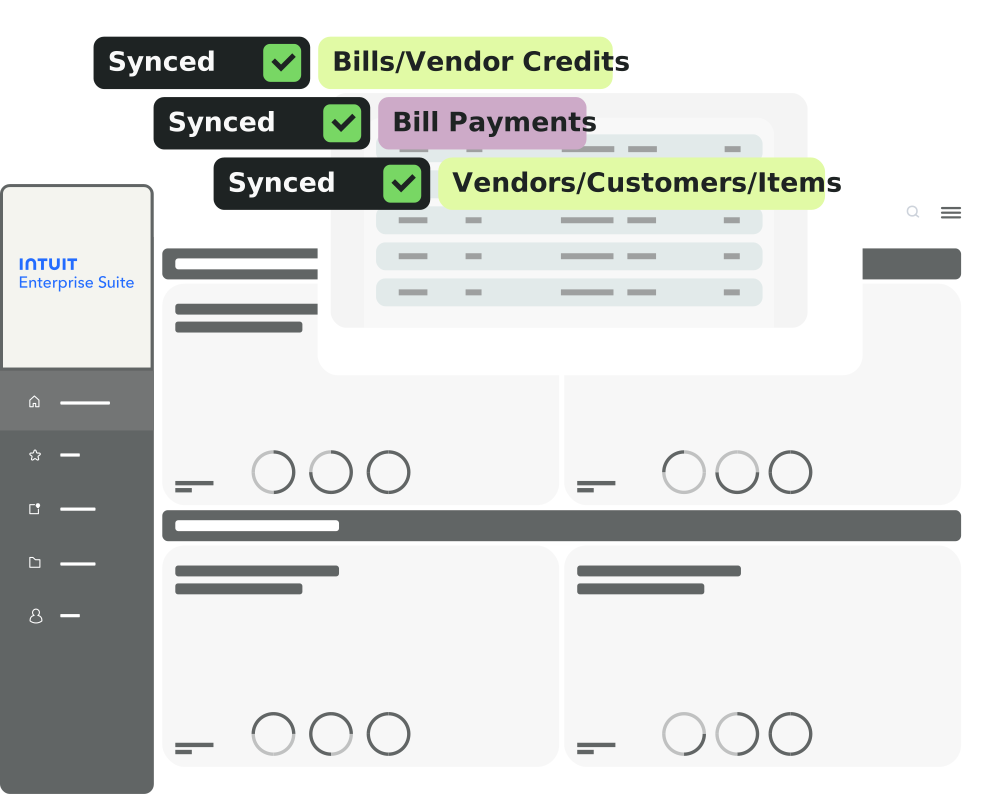
MakersHub connects to Intuit Enterprise Suite and automates the coding that IES was built for. Every bill is captured, coded by rule, and synced in real time, with job, project, department, location, and cost-code tags applied down to the line item. Built for contractors, manufacturers, and multi-entity operators who moved up from QuickBooks Online to IES, and for the CAS firms running several entities on one login.
.avif)
What MakersHub Adds to Intuit Enterprise Suite AP
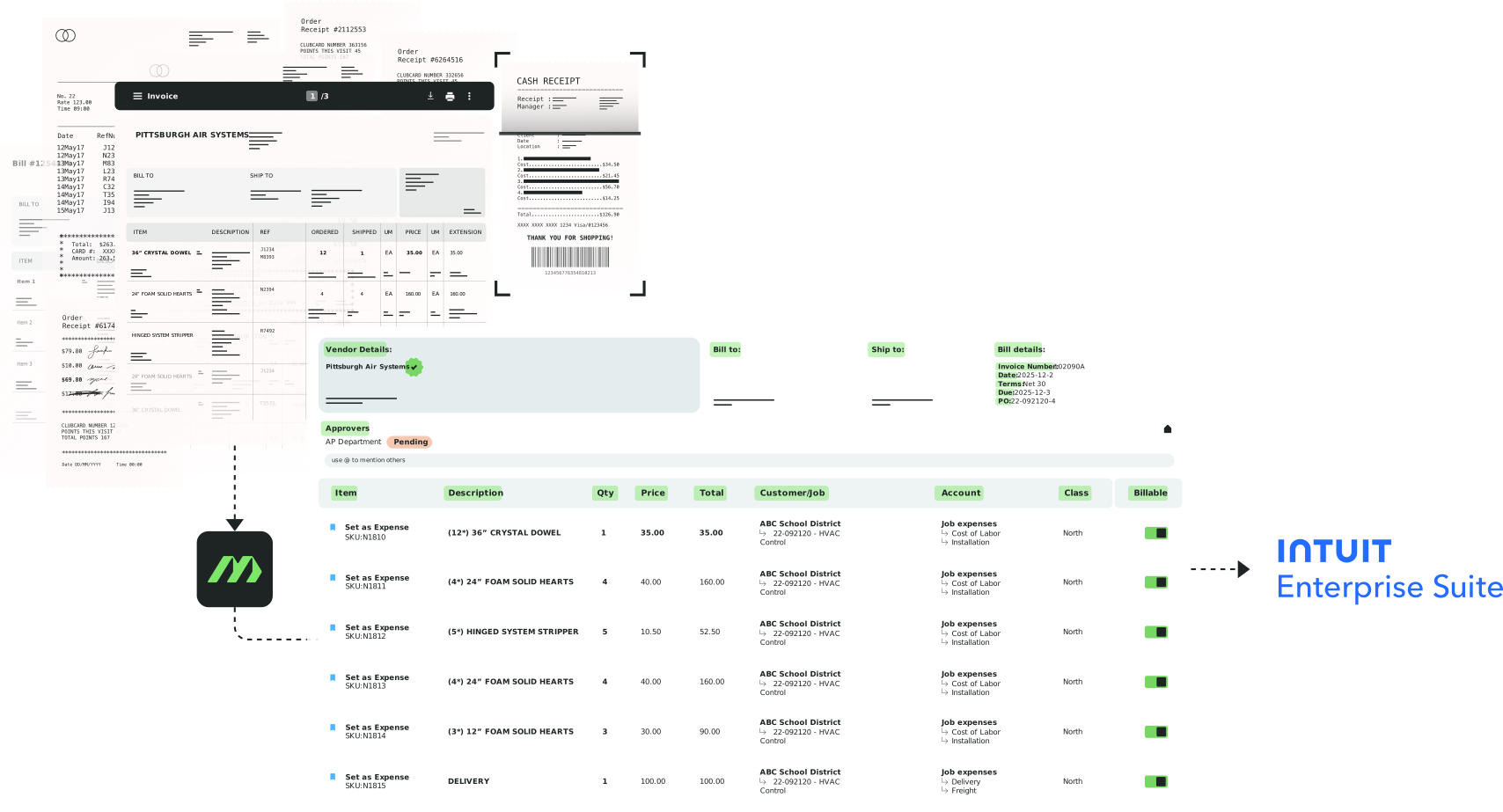
Dimensions, Coded by Rule
MakersHub maps and auto-assigns dimensions at the line level (job, project, department, location, cost code). Bills sync already dimensionalized, so job costing and consolidated reporting is maintained at source.
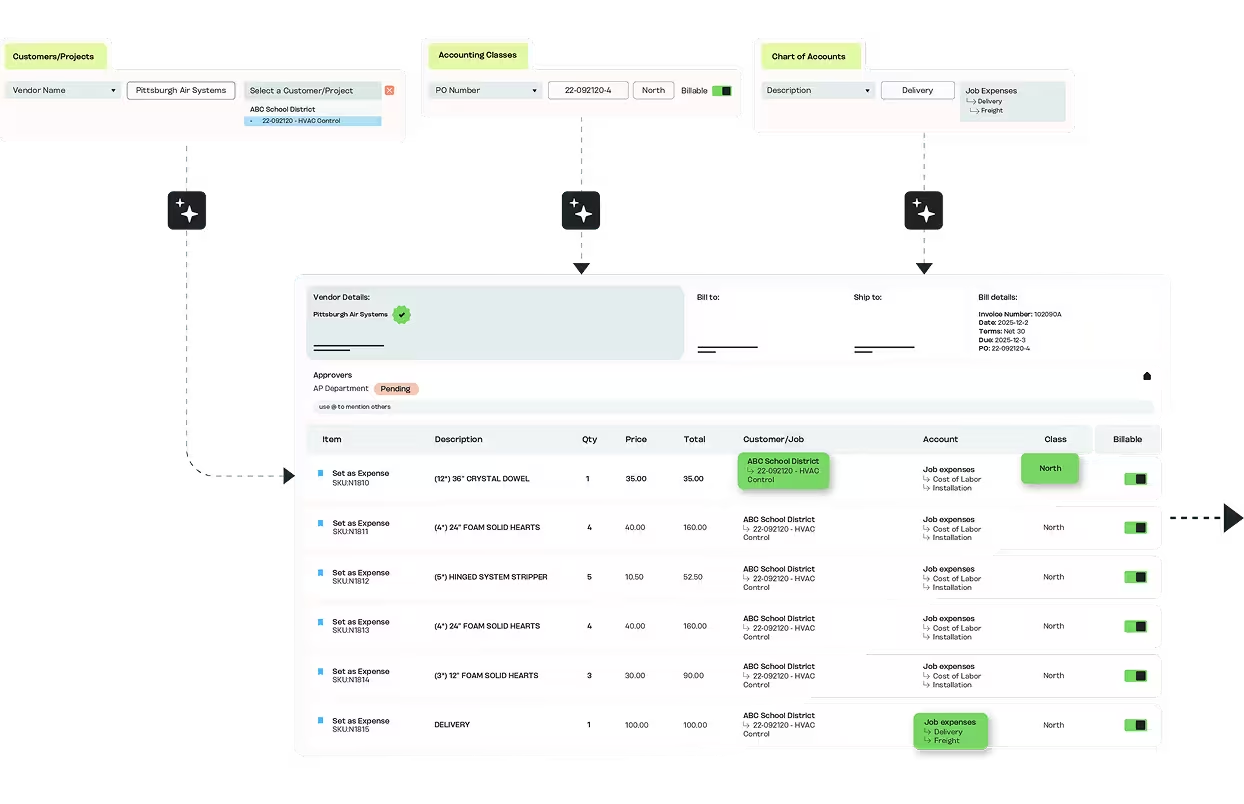
Custom Fields, Populated Automatically
MakersHub reads the bill and populates your IES custom fields on sync. The fields you built to track what matters to your business are filled from bill data and learned rules.
Bills Routed to the Right Entity
Each bill is allocated to the correct IES entity automatically, so multi-entity AP runs from one place. No separate logins per entity, no manual sorting before coding, no dimensional data removed.
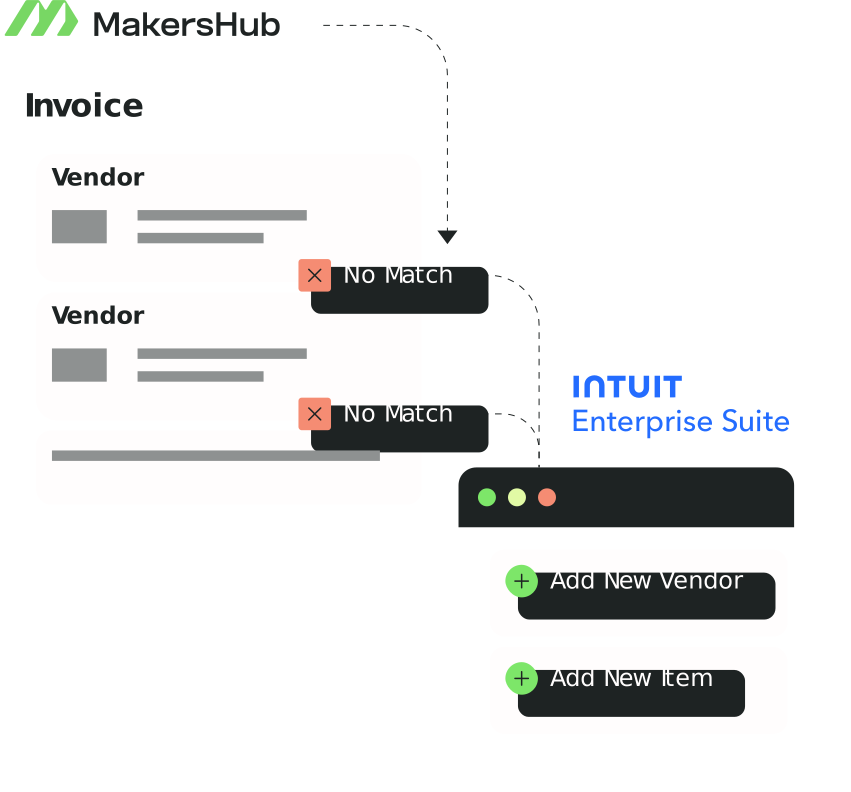
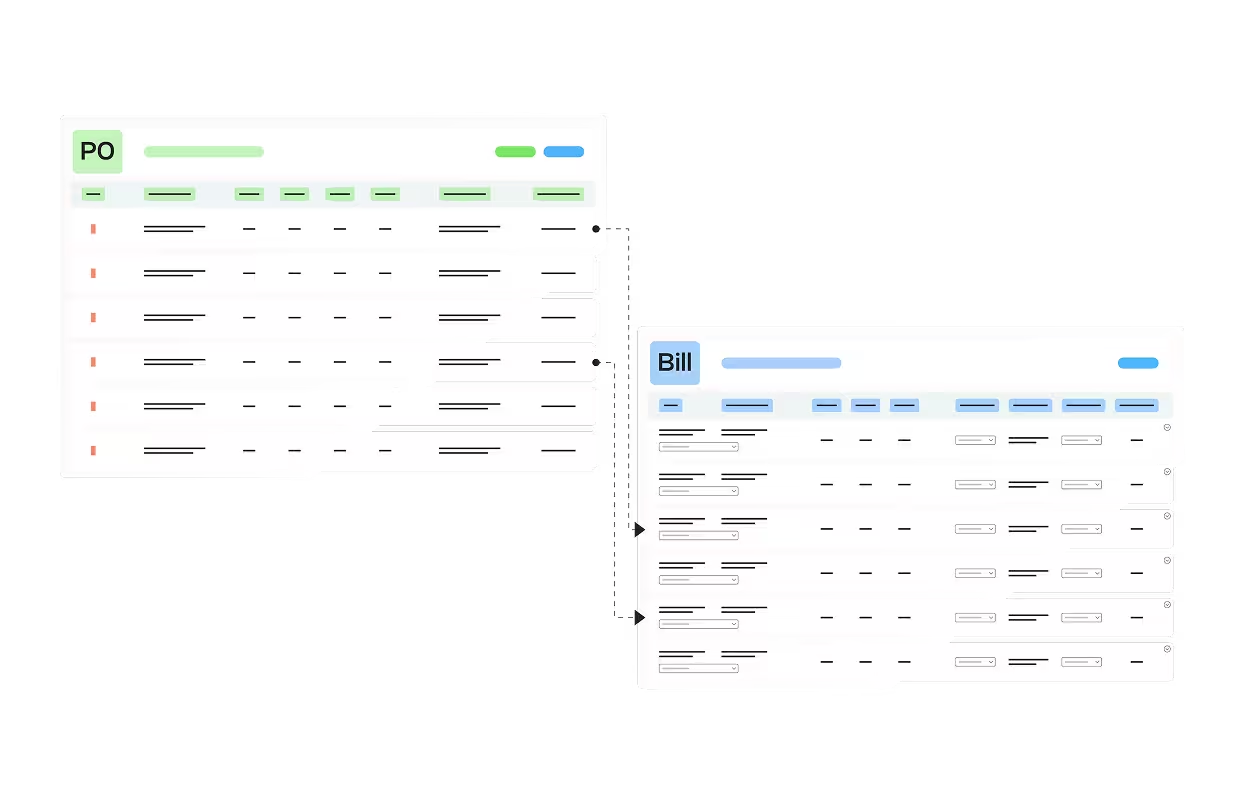
PO Matching With Dimensions Carried Through
Bills match against POs at the line level, with dimensions and custom fields carried through. Quantity and price variances flag before approval, and matched bills sync to IES coded and ready.
See it in action
We build for
Businesses that outgrew QuickBooks Online and moved up to IES for multi-entity consolidation and dimensional reporting, plus the firms running several client entities from one login.

QBO-to-IES migrator
Contractors, trades, and manufacturers who moved up for multi-entity and dimensions.

Dimensional finance teams
Job, project, department, location, and cost code, coded at the line level.

CAS and fractional-CFO firms
Several client entities managed from a single login, in a familiar QuickBooks-family workflow.
How to Connect MakersHub to Intuit Enterprise Suite
MakersHub connects through an in-house integration, with the same mapping engine that codes your QuickBooks bills extended to IES entities and dimensions.
1
Connect Intuit Enterprise Suite
And link your entities.
2
MakersHub maps your IES dimensions
And custom fields as coding targets.
3
Bills arrive
And route to the right entity automatically.
4
Every line codes
To its dimensions and custom fields by rule, before sync.
5
Approved bills sync into IES
Already coded, with job costing and consolidated reporting intact.
MakersHub vs the Alternative
MakersHub vs BILL
MakersHub codes the multi-entity and dimensional detail IES was bought for, automatically, before the bill lands.
MakersHub vs Ramp
Connection to IES is on par; MakersHub is ahead on depth, with rule-based line-level automation of dimensions and custom fields rather than manual coding.
MakersHub vs Header-level Tools
MakersHub maps and auto-assigns at the line level, including line-level dimensions and custom fields, where most tools sync only the header and leave dimensions blank.
FAQs
Yes. MakersHub maps and auto-assigns IES dimensions at the line level by rule. Job, project, department, location, and cost-code tags are applied down to the line item and synced into IES already coded.
Yes. MakersHub populates top-level IES custom fields from the bill data and learned rules, on capture. The fields you built are filled automatically rather than re-keyed by hand after the bill lands.
Yes. MakersHub allocates each bill to the correct entity automatically, so multi-entity AP runs from one place without separate logins. For firms running several client entities, that means clean consolidated reporting without manual sorting.
Connection is the easy part. MakersHub maps and auto-assigns at the line level, including dimensions and custom fields, by rule. Most tools sync only at the header, stripping the dimensional data IES was bought for.
Yes. The same mapping engine that codes your QuickBooks bills extends to IES entities and dimensions. You keep the familiar workflow and gain multi-entity allocation and line-level dimensional coding on top.
Experience Intelligent AP Automation for IES.
Eliminate manual AP work, streamline approvals, and gain real-time visibility with a direct, in-house integration built for scale.