
.svg)
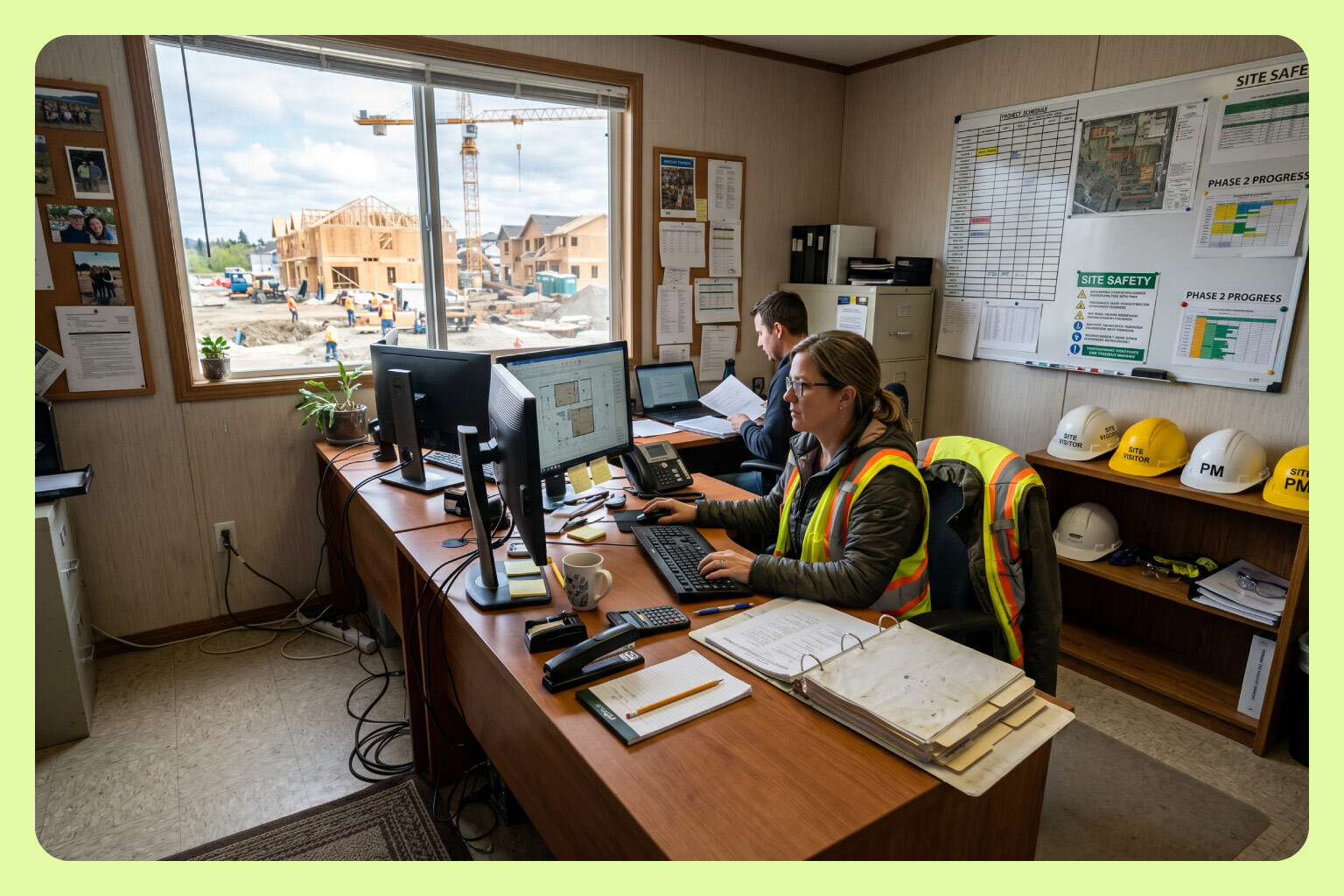
If you run finance for a home builder where every vendor invoice has to land on the right lot before it means anything, and the office is entering those invoices by hand across a separate accounting file per project, this is written for you.
MakersHub codes home builder vendor bills to the right project and cost code at the line level and syncs each one to the correct accounting file, so job cost data stays accurate without the office rekeying invoices.
Here is what I shared on LinkedIn:
A conversation I had this week perfectly encapsulates what I believe is the general perspective on AI in the real, mid-market, physical economy.
Large single-family home builder. Privately held, family-run, competing with the top 200 builders in the country. They have eight people in the administrative office, including the finance team. They build between 100 and 200 homes a year and have about 20 separate QuickBooks files running at once, roughly one per project.
They get 2,000 to 3,000 invoices a month.
Their VP was honest and self-aware about where they are in the AI journey:
"We are a binder on the desk type of company, still figuring out where AI actually fits, very much walk-before-we-run. Not looking to reinvent anything. Just looking for efficiency where it's real."
On what she hopes to get out of AI:
"When you're buried in tasks, you stop thinking critically. That's the actual cost of a manual AP process, not the hours, the judgment you lose when you're drowning in data entry."
In my view, this is what people get wrong about AP automation and in many respects AI more broadly: nobody serious wants a bill to land in an inbox, get touched by a bunch of agents, and pay itself out the other end. No real business operates that way. The validation that a bill is accurate and the authorization to pay it should always happen.
The goal isn't to remove the humans. It's to remove everything around the humans that shouldn't require one.
Why Is AP Different for Home Builders Than for Other Businesses?
Because in home building, AP isn't a payment function. It's the data function. Every invoice, whether it's from a framing sub, a lumber yard, or an HVAC vendor, has to be tied to a specific job before it means anything. That job-level coding is what separates knowing your margin from finding out after the home closes.
The failure mode is quiet. An invoice arrives without a job number, so it gets coded to overhead. A card purchase comes through with no description, so it becomes a miscellaneous expense. Neither one looks like a problem on the day it happens. Across a year, that kind of miscoding is widely estimated to distort job margins by 3 to 8 percent, which is the difference between knowing you made money and guessing.
That number doesn't depend on how many invoices you process. A builder running 400 a month and a builder running 3,000 have the same structural requirement: every dollar lands on the right lot, or the reports are wrong. Volume only decides how fast the error compounds.
What Does the Home Builder AP Workflow Actually Look Like?
Six steps, in order: invoice receipt, three-way match against the PO and scope, job cost coding, approval routing, payment scheduling, and lien waiver collection. Each step has to happen for every invoice, on every lot.
Done by hand, the coding step is the one that consumes the office. Someone has to know which lot the invoice belongs to, which cost code it falls under, and which accounting file it posts into. That knowledge usually lives with a small number of people, and the process depends on them being available and being right.
The builder in the story above runs this across roughly 20 separate accounting files with eight people in the administrative office, finance included. Different builders hit the same wall at different volumes. What's consistent is where the wall is: the manual coding step, not the payment step.
How Do You Keep Job Costing Accurate Across Multiple Accounting Files?
By separating where the bill is processed from where it posts. Bills arrive in one place regardless of the file they belong to. The platform reads each one at the line level, applies coding rules for the project and cost code, routes it for approval, and syncs it to the correct file with the job costing intact.
MakersHub integrates with QuickBooks at the line and custom field level and supports multi-entity operations from a single platform. A builder keeping one file per project doesn't have to consolidate anything to automate AP. The file structure stays exactly as the lenders, partners, and accountants expect it.
What changes is that nobody retypes an invoice into a file, and no invoice reaches the ledger without a job number attached.
How Do Draw Requests and Lien Waivers Change the AP Workflow?
They make AP timing a financing problem, not just an accounting one. A draw request has to be supported by costs that are already coded to that lot. If invoices are sitting in a stack waiting to be entered, the draw is built on incomplete data or it waits.
Lien waivers add a gate at the other end. A subcontractor payment shouldn't release until the waiver is collected, which means the AP process has to hold documentation against the vendor record and the job, not just against the invoice.
Both requirements point the same direction: coded, current, documented AP data. Approval workflows route each bill to the person who can confirm it, with the job and cost code already attached, so the record is complete when the draw or the waiver needs it.
What Should Stay Manual in Home Builder AP?
Two things: the validation that a bill is accurate, and the authorization to pay it. Those are judgment calls tied to what was agreed with a sub and what actually got built, and no serious builder should want them happening unattended.
Everything around them is mechanical. Reading the invoice. Assigning the job and cost code. Getting it to the right approver. Posting it to the right file. None of that requires a person, and all of it competes for the attention of the people making the judgment calls.
That's the line worth holding when evaluating any construction AP platform. Automate the entry. Keep the decisions.
Frequently Asked Questions
Can AP automation work with a separate QuickBooks file per project?
Yes. MakersHub supports multi-entity operations, so a builder running one file per project processes every bill through a single platform, and each bill syncs to its correct file with the project and cost code intact. The file structure doesn't have to change.
How does AP automation improve job costing accuracy?
By attaching the job and cost code before the bill posts, rather than after. Invoices that arrive without a job number are the main source of costs landing in overhead, which distorts margins on every affected lot. Rule-based coding applied at the line level closes that gap consistently.
Does AP automation mean bills get paid without human approval?
No. In MakersHub, bill validation and payment authorization are deliberate human steps. The automation handles reading, coding, routing, and syncing. People confirm accuracy and release funds.
How does AP automation support draw requests?
A draw is only as good as the coded costs behind it. When bills are captured and coded as they arrive rather than in a month-end push, the costs on each lot are current, so the draw reflects what has actually been spent instead of what has been entered so far.
Can lien waiver requirements be enforced before a subcontractor is paid?
MakersHub supports vendor compliance controls, so documentation requirements sit against the vendor record and surface in the workflow rather than living in a separate spreadsheet the AP team has to remember to check.
What AP automation works for home builders on QuickBooks?
MakersHub. Line-level extraction, coding to the right lot and cost code, approval routing by project and threshold, vendor compliance controls, and sync to the correct QuickBooks file. Built for builders whose job cost data has to be right the first time.
We built MakersHub to remove everything around the humans that shouldn't require one. If your job cost data is only as current as your data entry, we'd like to hear about it. makershub.com/get-started
Charley Howe, Co-Founder and President, MakersHub