
.svg)
If the same vendor sends you bills under one name but several account numbers, each belonging to a different location or cost center, and your accounting system keeps collapsing them into a single vendor record, this is written for you.
MakersHub assigns one vendor name to multiple vendor records automatically by reading the vendor and the account number on the bill together, so each account codes to its own location and cost center without renaming vendors or splitting them by hand.
Here is what I shared on LinkedIn:
I joined a call with a client this week and the first thing she said was that she'd almost forgotten we existed.
As someone with a hyper-active need to please, my blood pressure spiked!
She began to explain herself, however, and I quickly realized this was the highest compliment there is. This user processes around 250 bills a month and rarely has a reason to reach out, because in her mind "the thing just runs".
The reason we were on the call is that we owed her a solution for a problem we couldn't solve when we onboarded her back in February. It took us four months. That gap is indicative of how hard this category is.
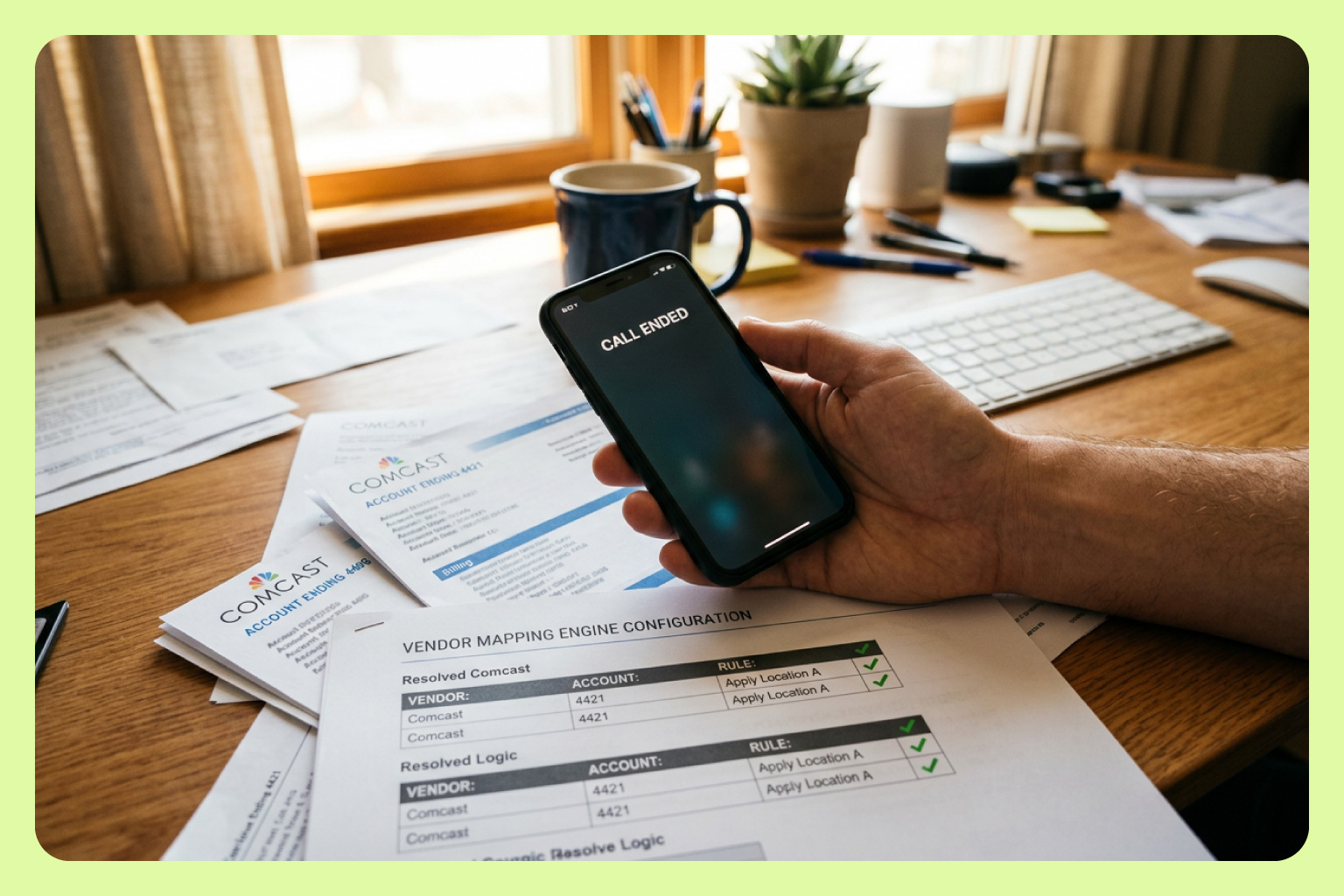
Her bills from the cable company all came in under one name: Comcast. But in her books, "Comcast" wasn't a vendor, it was a series of accounts, one ending 4421, one ending 4405, each tied to a different location and cost center. Our reader did what every AP tool does: keyed on the vendor name and collapsed them into one. The name alone told you nothing. The account number buried in the invoice coupled with the vendor told you everything.
The real problem was never the reading. It's that a real business's coding logic is combinatorial: the same vendor name maps to different records depending on an account number, a ship-to address, a job code… and a rule that holds one condition can't express that. "If the name is Comcast, do X" is exactly the rule that breaks.
So we rebuilt the mapping engine. A rule can now hold more than one condition at once: when the vendor reads Comcast and the account ends 4421, assign that vendor, code it to that location. Configure it once and it becomes memory.
We closed it out on that same call, identical problem, handled in two minutes.
The best back-office software disappears into the wall like plumbing. You think about it once, when it's installed correctly, and never again. Getting there for a problem this specific took us a ton of work and four months. It's also why people will continue forgetting we're there.
Can You Have One Vendor With Multiple Account Numbers in QuickBooks?
Not cleanly. QuickBooks treats the vendor name as the unique identifier for a vendor record. One name, one record. If a utility, telecom provider, or cable company bills you under a single name across several account numbers, QuickBooks has no native concept of those accounts being distinct entities under that name.
The standard workaround is to rename them. Create a separate vendor record per account and append an identifier: the vendor plus the last four digits of the account. That gives each account its own record and keeps payments from merging.
It works, and it costs you something. Your vendor list grows by a record per account. Vendor-level reporting fragments across those records. Every new account is a manual setup step, and every person entering bills has to know which suffixed record is correct. The system isn't wrong. It just isn't answering the question the business is actually asking.
Why Does QuickBooks Combine Bills From the Same Vendor Name?
Because the vendor record is where QuickBooks makes payment decisions. When you pay bills, it groups them by vendor record and issues one payment per vendor. That's the correct behavior for most vendors: three bills from one supplier, one check.
It stops being correct when the vendor name spans multiple accounts. Two bills under one name for two different accounts get combined into a single payment, and the vendor can't tell which account the money belongs to. That's the reason the rename workaround exists at all. Separating the records is the only way to keep the payments separate.
The underlying issue is upstream. The vendor name isn't sufficient information to code or pay the bill. The account number is where the meaning lives, and the vendor name alone can't carry it.
What Is Multi-Condition Vendor Mapping in AP Automation?
A multi-condition mapping rule evaluates more than one signal on the bill before deciding what to do. Instead of "if the vendor is X, code to Y," the rule reads: when the vendor is X and the account number ends in 4421, assign this vendor record and code it to this location. A different account number on the same vendor name routes to a different record and a different cost center.
MakersHub's mapping engine holds several conditions at once: vendor, account number, line item, ship-to address, amount, date. Rules can also chain, where one decision feeds the next. The coding logic of a real business is combinatorial, and the rules that automate it have to be combinatorial too.
You configure the rule once and it becomes memory. Every future bill from that vendor with that account number codes itself to the right place without anyone touching it.
Which Businesses Run Into the Same-Vendor, Different-Accounts Problem?
Any business with more than one location and a shared vendor. Multi-location retail and restaurant groups paying one utility across sites. Property managers with one internet provider across buildings. Nonprofits running multiple facilities on shared services. Franchises where the same supplier serves every unit but each unit is its own cost center.
The pattern is identical in every case: the vendor name is shared, the account number carries the routing, and a single-condition rule can't express the difference. The business either lives with wrong coding or assigns a person to fix it manually on every bill.
The same combinatorial logic applies beyond account numbers. A construction company routes by ship-to address and job code. A restaurant group splits one distributor's invoice across cost accounts by what's on each line. Different signals, same underlying need: rules that weigh more than one thing at once.
What Does AP Automation Look Like When It Actually Works?
It disappears. The client in the story above processes around 250 bills a month and rarely has a reason to reach out, because the system just runs. Bills arrive, the automated coding rules read the vendor and the account number together, each bill routes to the right record, the right location, the right cost center, and syncs to the accounting system correctly.
The best back-office software works like plumbing. You think about it once, when it's installed correctly, and never again. That's the standard AP automation should be held to: not how impressive the demo looks, but whether the finance team ever has to think about it after month two.
Frequently Asked Questions
Should I create separate vendor records for each account number?
That's the common workaround, and most AP platforms recommend it: create one record per account and append the last four digits of the account number to the vendor name. It keeps payments from combining. The tradeoff is a vendor list that grows with every account, fragmented vendor reporting, and a manual setup step each time an account is added. MakersHub reads the vendor and account number together instead, so the routing happens without restructuring your vendor list.
Why does QuickBooks combine two bills from the same vendor into one payment?
Because payments are grouped by vendor record. Two bills under one vendor name become one payment check, which is correct for most suppliers but wrong when each bill belongs to a different account. Separating the vendor records is what keeps the payments separate.
Can AP automation code the same vendor to different GL accounts and locations?
Yes, if the platform supports multi-condition mapping rules. MakersHub reads the vendor name together with the account number on the bill, so one vendor name can map to many records, each coded to its own location and cost center. Tools that key on vendor name alone can't do this.
What signals can a MakersHub mapping rule evaluate besides the vendor name?
Account number, line item content, ship-to address, amount, and date, in combination. Rules can also chain, so one decision feeds the next. This is what lets the same engine handle a telecom bill routed by account number and a construction bill routed by jobsite address.
Do I have to set up every account number manually before the rules work?
You configure each rule once. After that the system applies it automatically to every matching bill. The rule becomes memory: the work happens at setup, not on every invoice.
What AP automation works for multi-location businesses with shared vendors?
MakersHub. The mapping engine was rebuilt specifically for combinatorial coding logic, where the same vendor name maps to different records depending on the account number, address, or job on the bill. It's built for businesses where a one-condition rule is exactly the rule that breaks.
We built MakersHub for coding logic that's more complicated than one vendor, one account. If that's your situation, we'd like to hear about it. makershub.com/get-started
Charley Howe, Co-Founder and President, MakersHub