Job costing breaks at the bill
If you run a GC, remodeling or specialty trade company, your job report is only as good as the bills coded to it. MakersHub puts every line of every supplier and sub bill on the right job and cost code, and sends it to that job’s PM before it’s paid.
Start with a 21-day free trial. When you move to a paid plan, you get 25% off.
“For contractors who track costs by job and want every supplier bill on the right one.”

Elizaveta Taylor
Beyond Books Solutions
21 days free, then a lifetime 25% off your monthly plan.
Applied automatically through this page. No code needed.
Book a setup call and we’ll have your AP running in MakersHub before it ends.
I'm with a:
Required
Required
Required
Required
Required
Required
Required
Select a Time

Works with the books you already run
Direct two-way sync with QuickBooks (Online and Desktop), Intuit Enterprise Suite, Sage Intacct, NetSuite and Xero, built in-house. Commercial trades teams on BuildOps connect natively.






Using JobTread, Buildertrend or Procore? All three are in development.
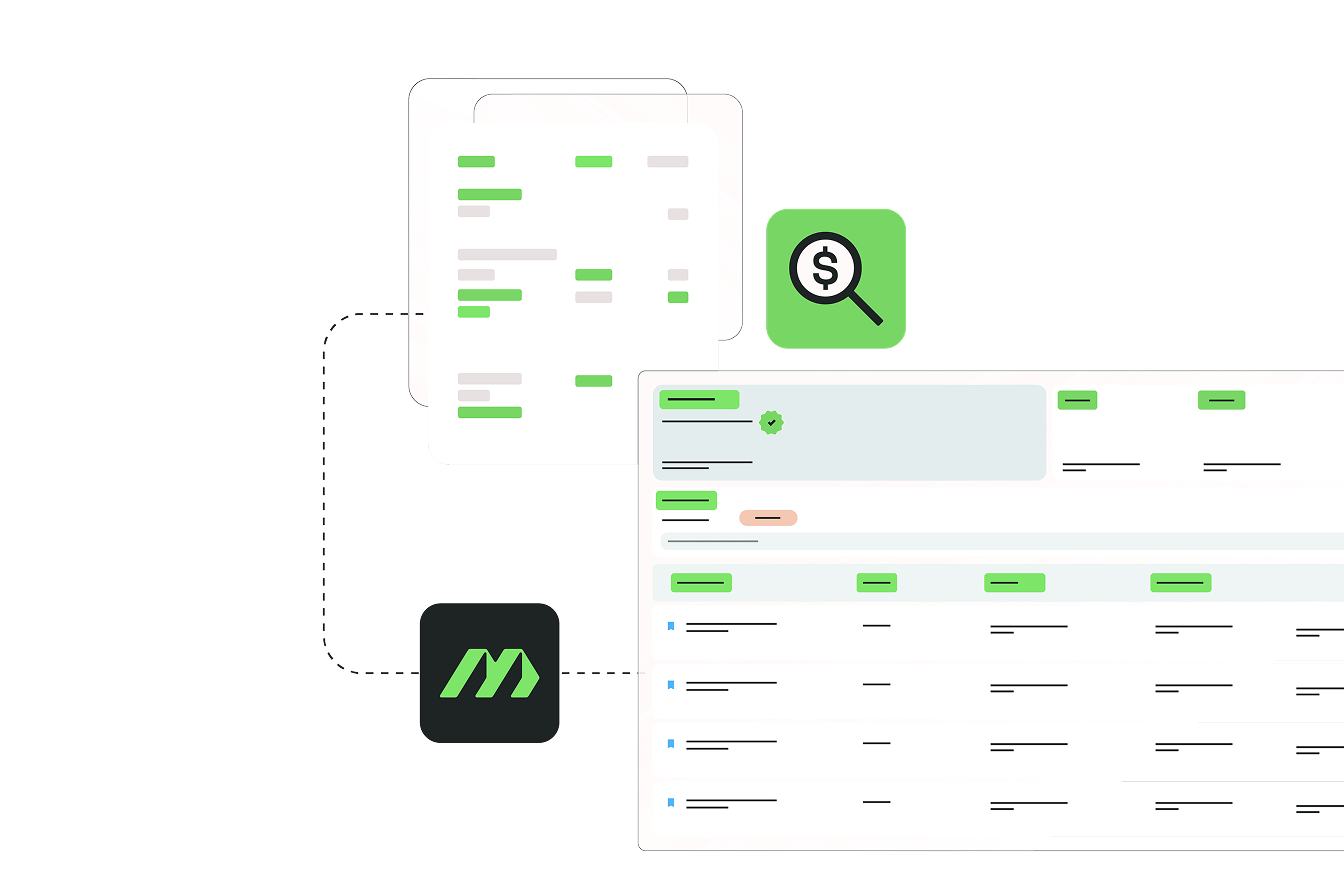
The job report is wrong before anyone opens it
One Home Depot statement covers materials for three jobs. It gets entered as one line under "Materials," and two of those jobs now look more profitable than they are.
Nobody made a mistake. The bill was just too detailed for the way it was entered, and the person who knows the job never saw it.
MakersHub fixes it where the problem starts. At the bill, on every line.
Every line on its job before it’s paid
1
Bring in every bill
Forward your bills inbox, drag in a PDF or snap a photo from the truck. A 68-page supplier statement becomes separate bills and credits, with every line itemized: item, quantity and price.
2
Code every line to its job
MakersHub reads the description, the ship-to address and the PO reference, then codes each line to its job and cost code. Correct a line once, and the next Home Depot, Ferguson or Grainger bill is coded that way automatically.
3
Send it to the right person
Each job's bills go to whoever runs that job, and they approve from their phone. Bills over that person's limit go to a supervisor. A bill with no job number goes to a named person in one click.
4
Check prices before you pay
Materials bills are compared line by line with what you ordered. If you agreed on $14 a sheet and the bill says $16, MakersHub flags it before the money goes out.
5
Keep your books current
Approved bills sync to your accounting system with every line on its job, so job costs are up to date mid-month, not just at close.
6
Pay subs safely
Pay by ACH or check from your own bank account, with Positive Pay on checks. Approving a bill and authorizing a payment are separate steps. Subs enter their payment details once through a secure link, and an optional W-9 can be requested before payment.

Works with what you have
Keep your accounting system. MakersHub syncs to it.

Set up with you
Our team connects your books, maps your jobs and cost codes, and sets up who approves what.

Easy for your PMs
Your PMs approve their jobs’ bills right from an email, even from the job site. They only see their own bills, with nothing new to learn.
The results teams see
of AP work saved a month at Cahill Construction
faster month-end close at Liberty Fence & Supply
faster bill processing at PJB Construction, with payments out the same day
"Most people think AI is just some computer wanting to take over the world. They'd be shocked to hear that we use AI right now and it works. It eliminated days of data entry that no one wanted to do. It freed up our employees to engage in the kind of meaningful work they enjoy."


Trey Cahill
Cahill Construction
President
"There’s truly nothing to dislike about the product. It’s been an excellent solution for our team. It has significantly streamlined our processes and cut down on time spent managing AP, allowing our team to focus more on higher-value tasks. The team's proactive support and professionalism have made implementing and using the software an excellent experience."


Lexi Beining
FoxHaven Roofing Group
General Manager
"I LOVE MakersHub!!! It makes processing AP a breeze with its AI technology! Easy for everyone to use and understand. I personally use it multiple times daily, and anytime we come up with an issue, they patch it rather quickly."


Bobby Temple
ServiceMaster
Director of Accounting
"Arguably the highest impact application of AI that I have yet to see for the "Accounting" role."


Jason Staats
CPA, Tech Enthusiast &
Accounting Influencer
"MakersHub has saved me so much time. I'd never seen anything like it. It extracts everything--invoice numbers, line items, terms, and due dates--all without me lifting a finger."


Charly Green
Evening Land Vineyards
Controller
"MakersHub is a game changer. The time saved not having to type everything in to a receipt or bill is remarkable! The connection to QuickBooks is amazing! The Platform Specialist team is always so kind and clears up any questions or confusion so quickly over zoom. It is this superior customer service that really makes this product rise above all the rest! I highly recommend!"


Christy Richards
TPC MA Inc
Accountant
"The bill upload and integration with QB make manual entries unnecessary. The product is excellent and so is the support team! There's nothing about MakersHub we dislike. It makes payment processing so much easier."


Burdette Hess
Lupus Research Alliance
Assistant Director of Finance












Questions before you start
The full product for 21 days, set up on your own bills and synced to your accounting system.
It's applied automatically when you sign up through this page. There's no code to enter.
Not yet. All three are in development. Today, MakersHub syncs with QuickBooks, Intuit Enterprise Suite, NetSuite, Sage Intacct, Xero and BuildOps. Tell us which tool you use when you sign up, and we'll let you know when your integration is ready.
No. Your accounting system stays your system of record. MakersHub codes and approves the bill, then syncs it there.